Apple
iPad (10th Generation)
iPadOS 18
Browse via device topic
Help & support guides for your Apple iPad (10th Generation)
List of screen icons
A number of icons displayed show different settings.
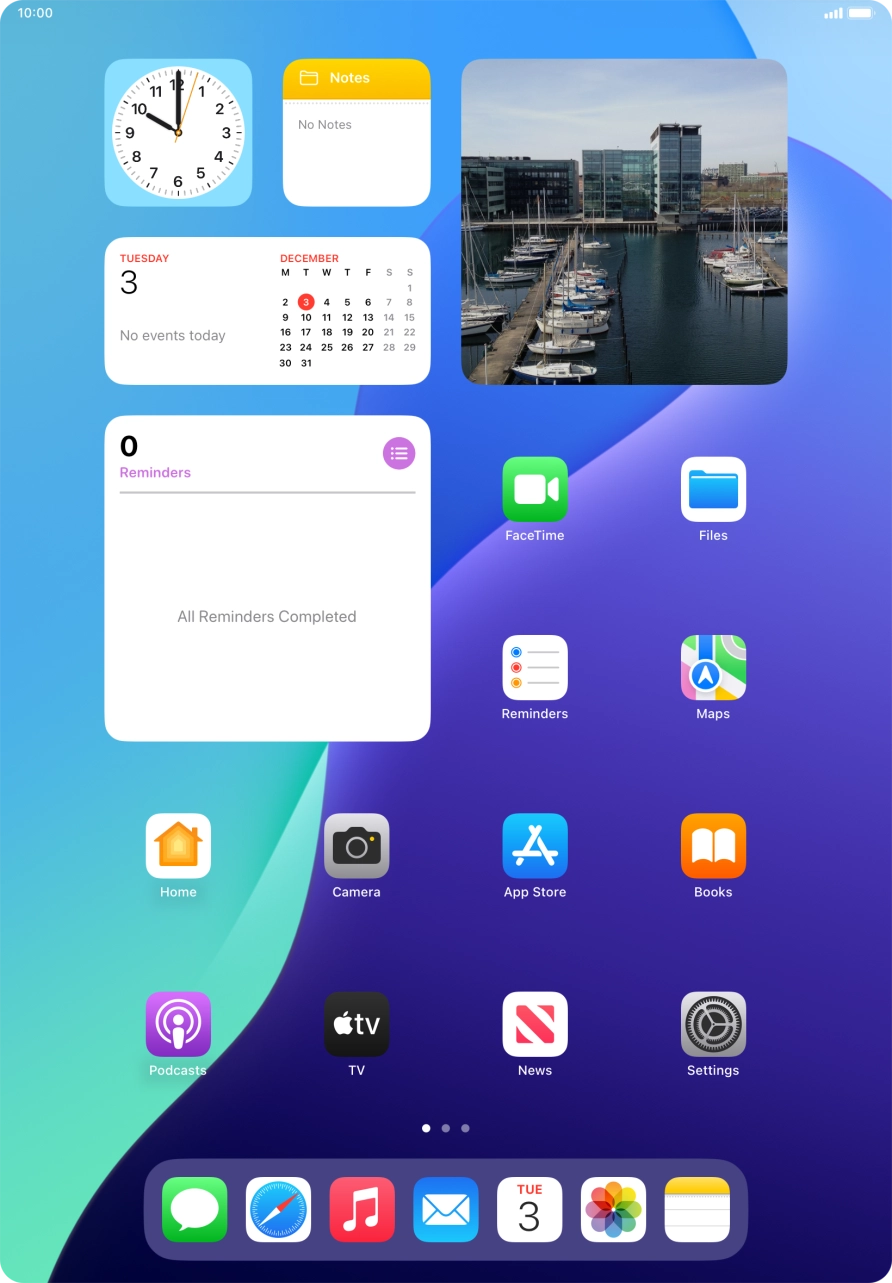
1. Battery
The battery icon shows the remaining battery power. The larger the colored section of the icon, the more remaining battery power.
See how to charge the battery.
- The battery icon shows the remaining battery power. The larger the colored section of the icon, the more remaining battery power.See how to charge the battery.
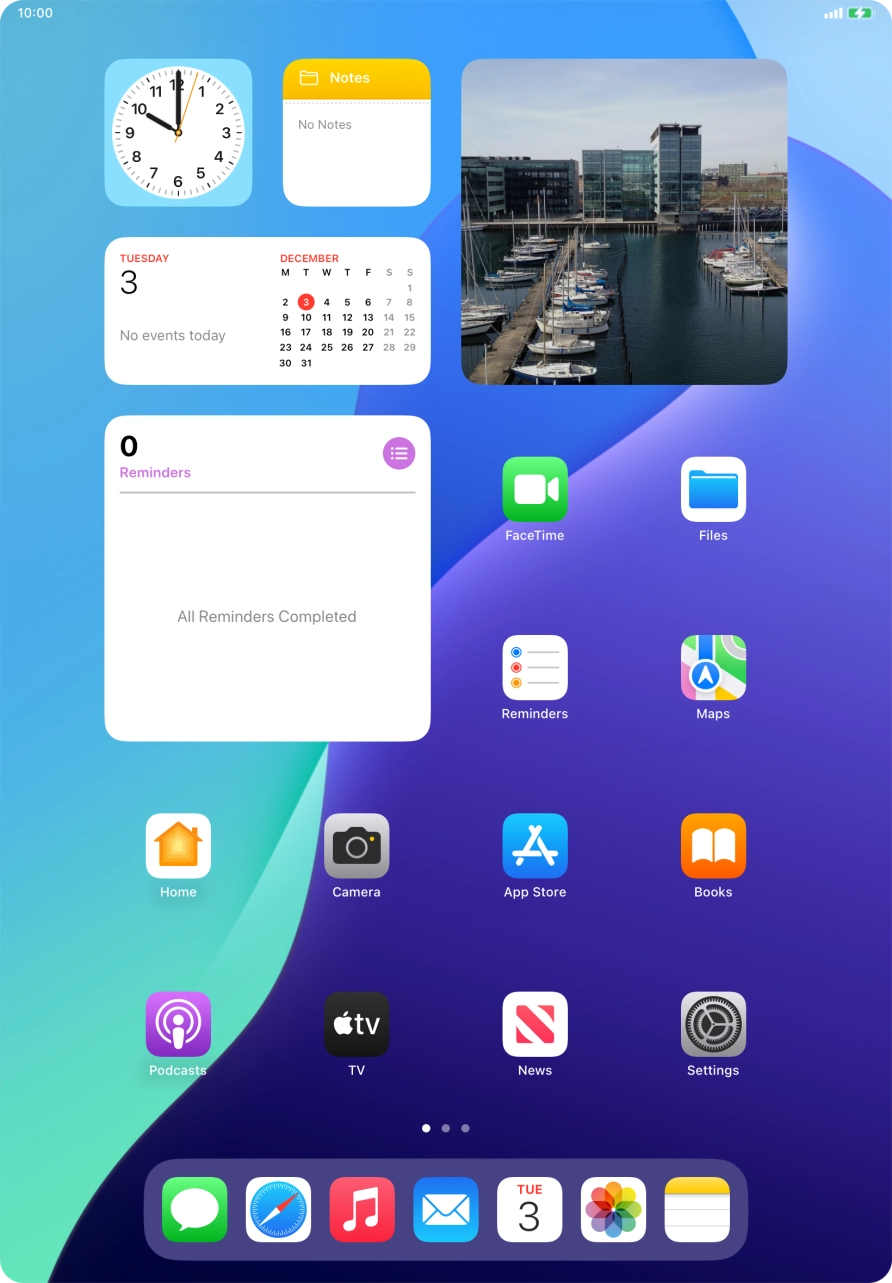
- The battery charging icon shows that the battery is charging.See how to charge the battery.
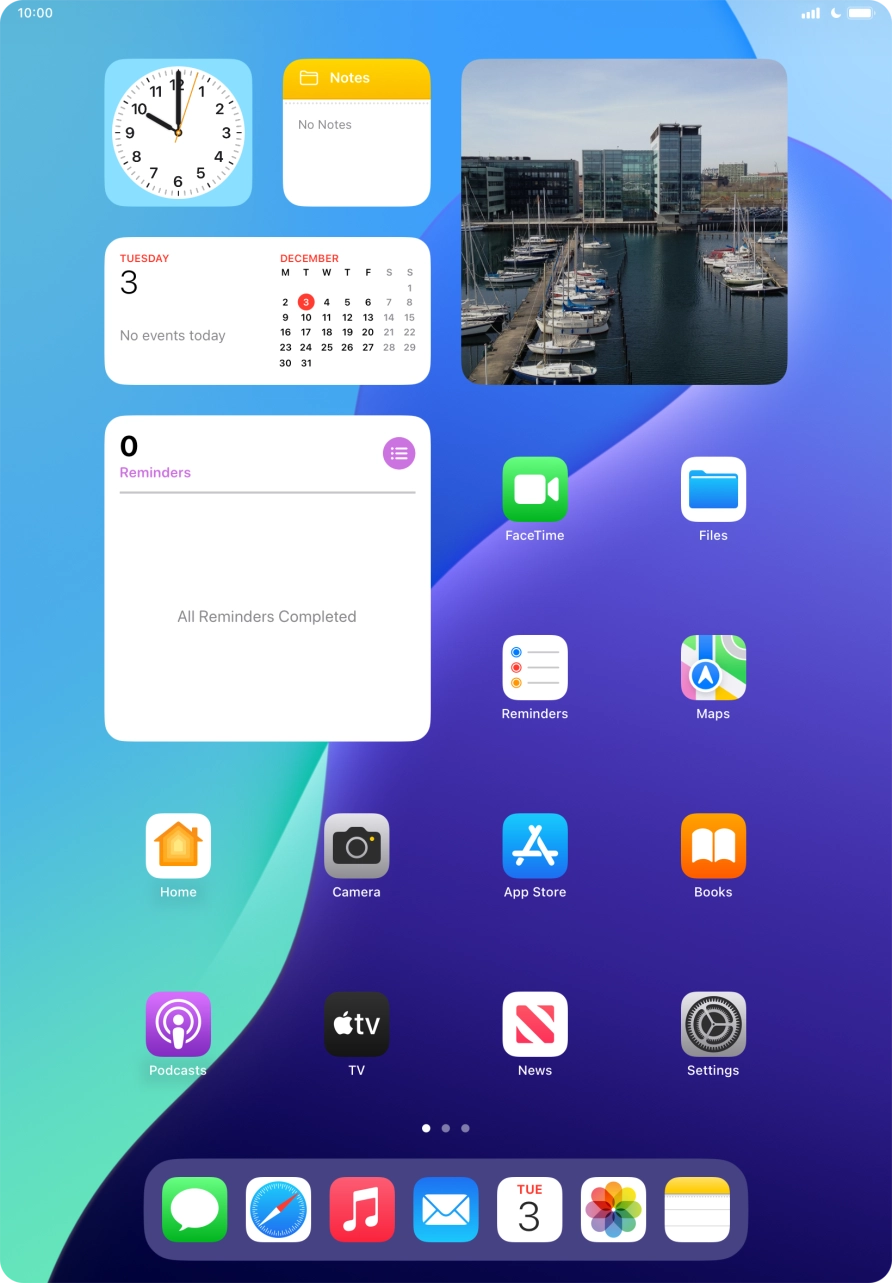
- The signal strength icon shows the strength of the network signal at your location. The more lines, the stronger the signal.See how to select a network.
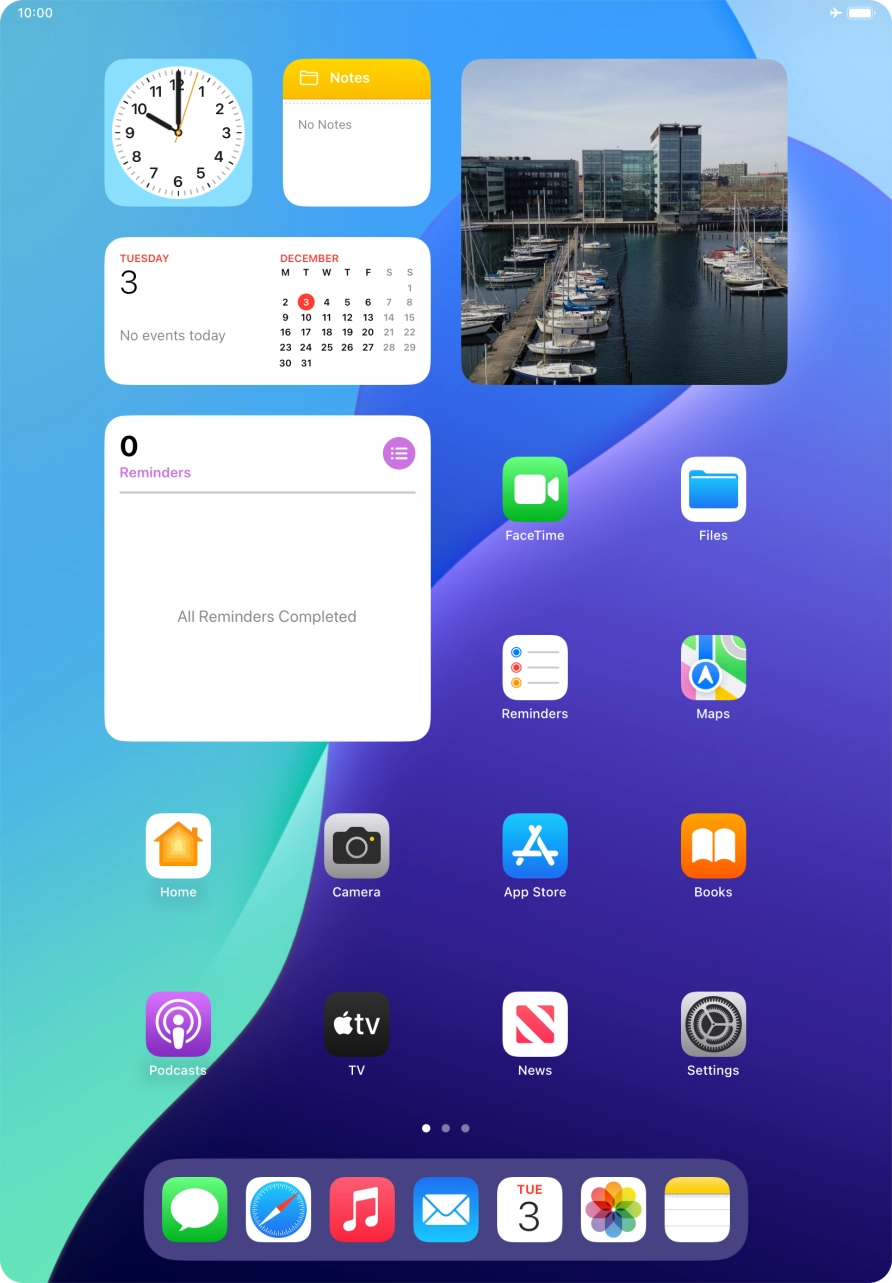
- The flight mode icon shows that flight mode is turned on.See how to turn flight mode on or off.
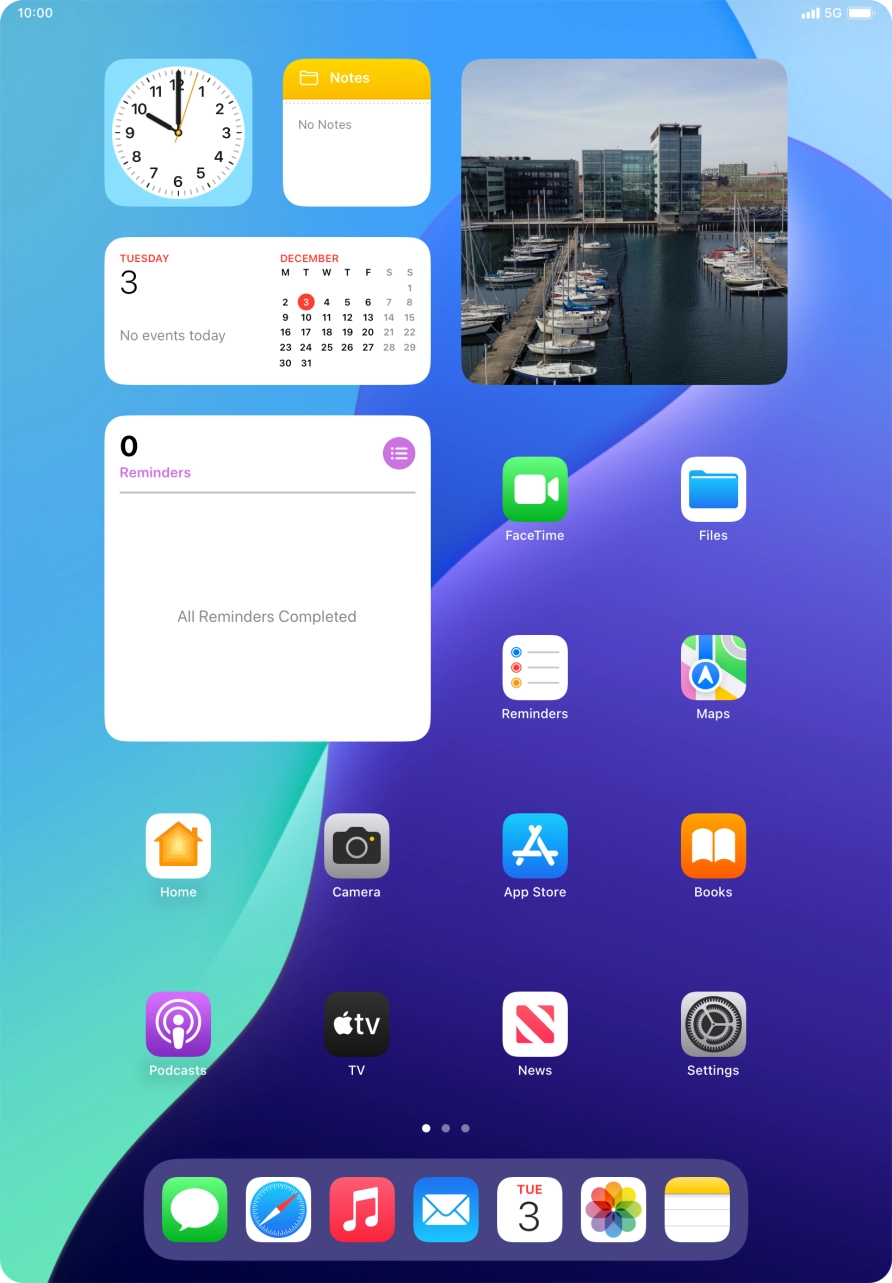
- The network mode icon shows the network mode currently used by your tablet.See how to select network mode.
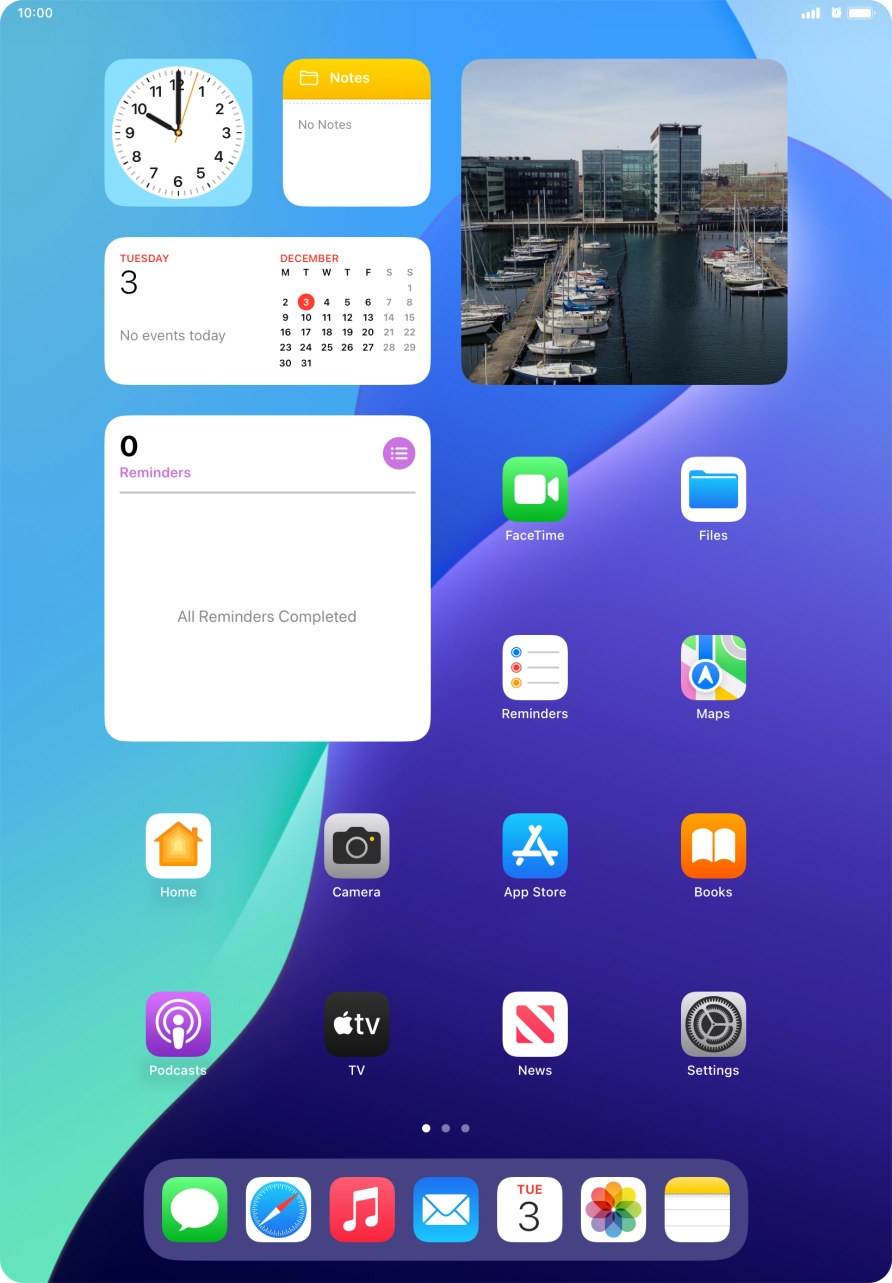
- The alarm icon shows that the alarm is set.
- The active data connection icon shows that a data connection is active.See how to turn mobile data on or off.
- The focus mode icon shows that suppression of calls and notifications is turned on.See how to turn Do Not Disturb on or off.
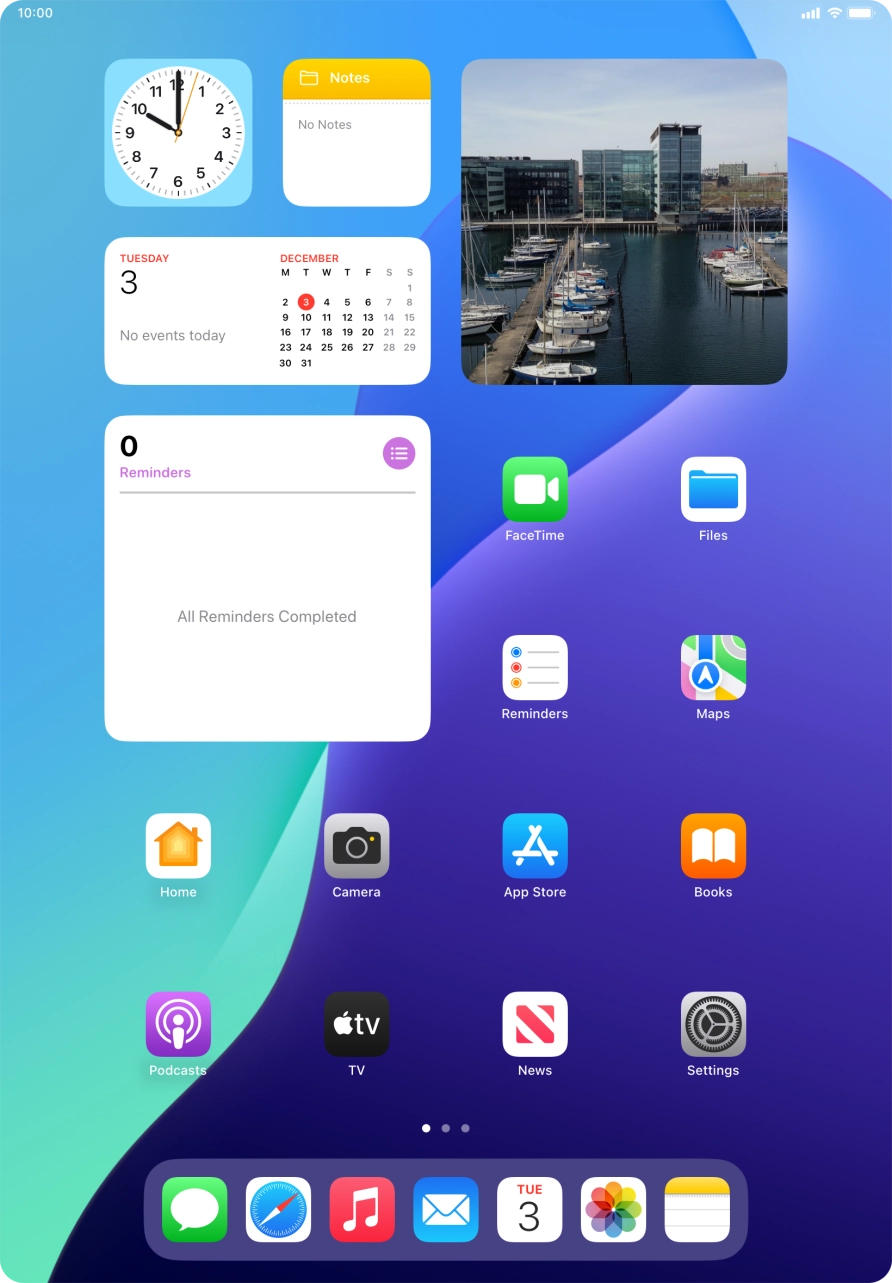
- The Wi-Fi icon shows that your tablet is connected to a Wi-Fi network.See how to turn Wi-Fi on or off.