Apple
iPhone 14
iOS 18
Browse via device topic
Help & support guides for your Apple iPhone 14
Activate cell phone
You must activate your cell phone before using it for the first time or after performing a factory reset. To use mobile network services on your cell phone, you need to insert your SIM card into your cell phone.
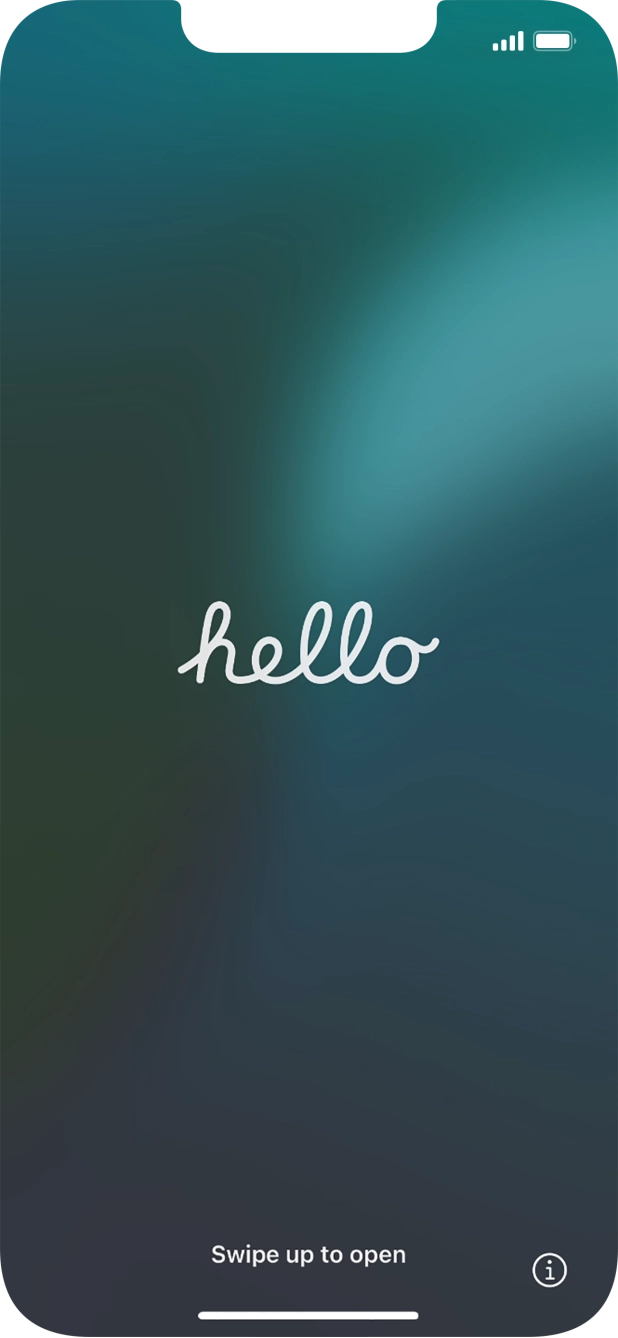
- Press the Side button.
- Slide your finger upwards starting from the bottom of the screen.
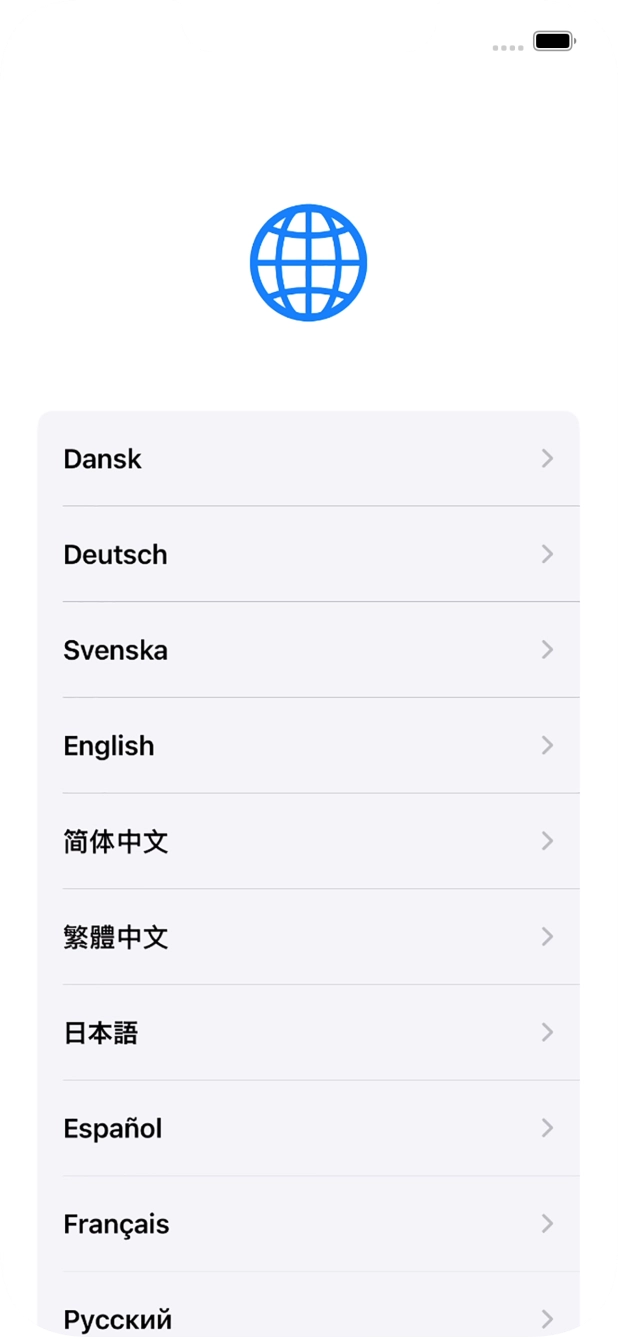
- Press the required language.
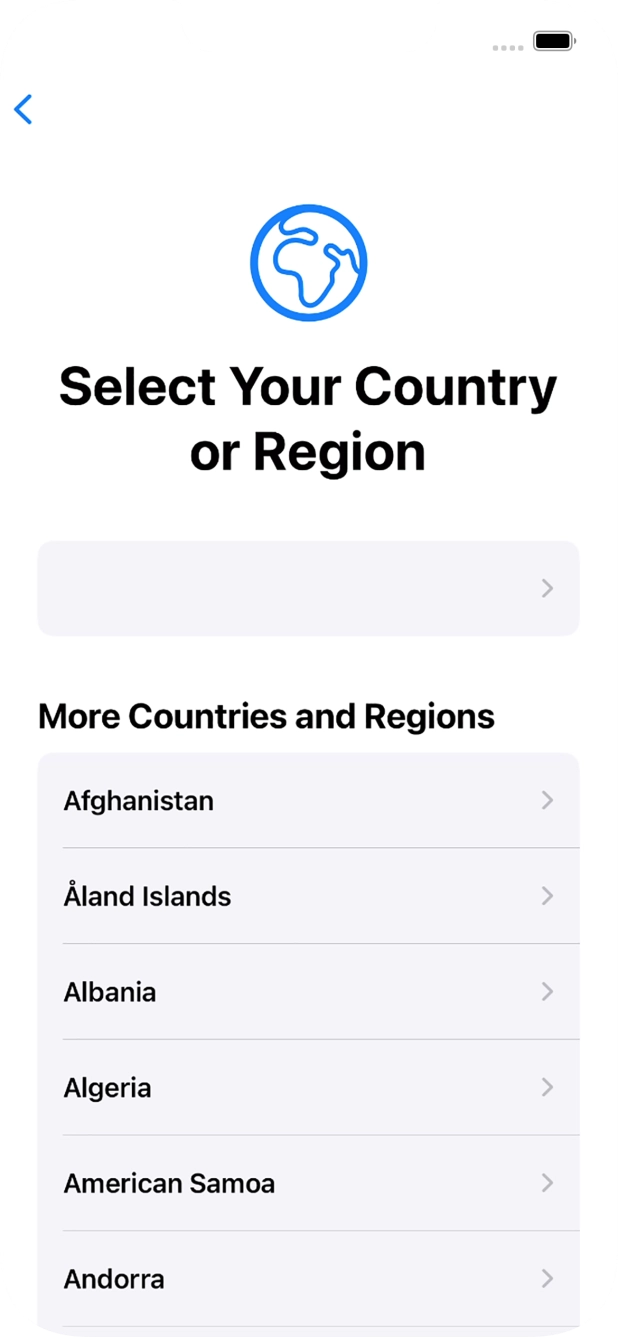
- Press the required country or area.
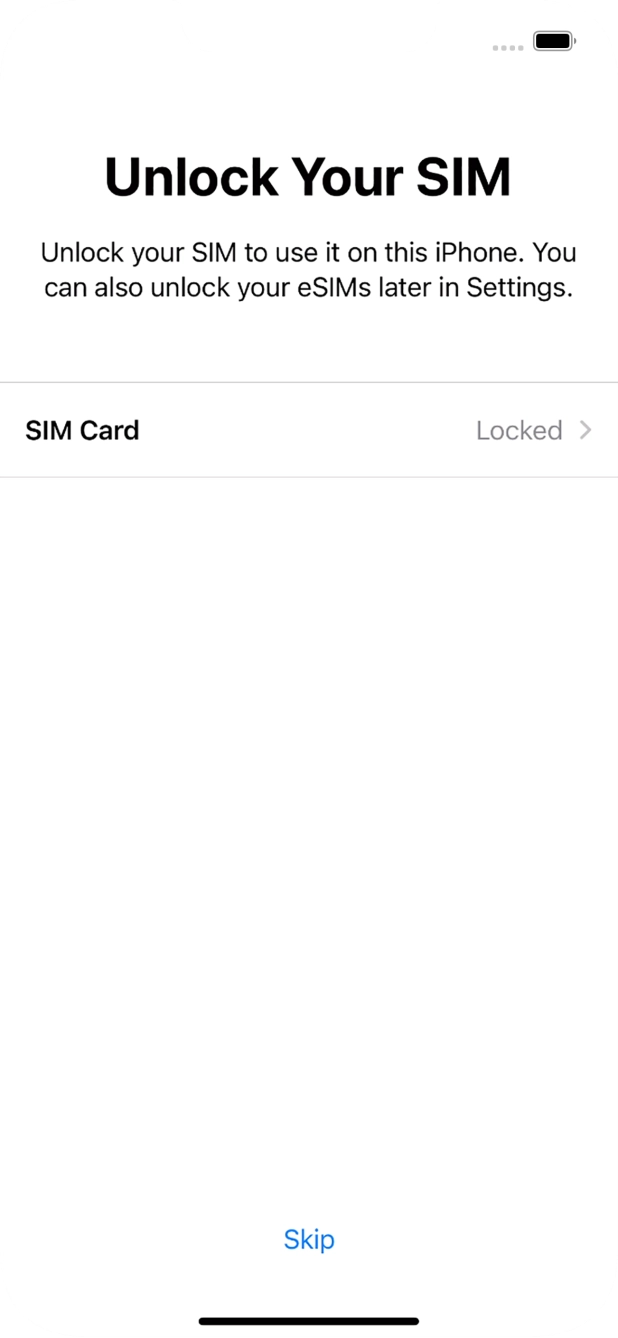
- Press SIM Card.
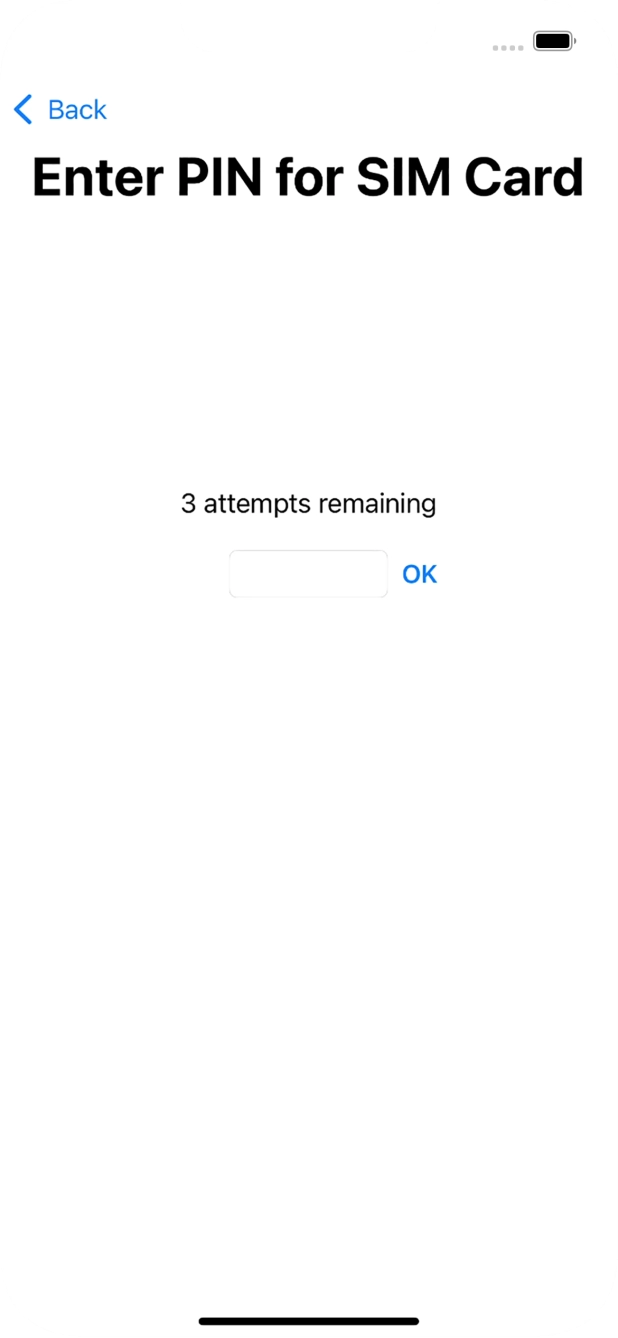
- If your SIM card is locked, key in your PIN and press OK.If an incorrect PIN is entered three times in a row, your SIM card will be blocked. To unblock your SIM card, you'll need to key in your PUK. The PUK can be obtained by contacting customer services. Please note: If you key in the wrong PUK ten times in a row, your SIM card will be blocked permanently. In this case, you need a new SIM card from T-Mobile.
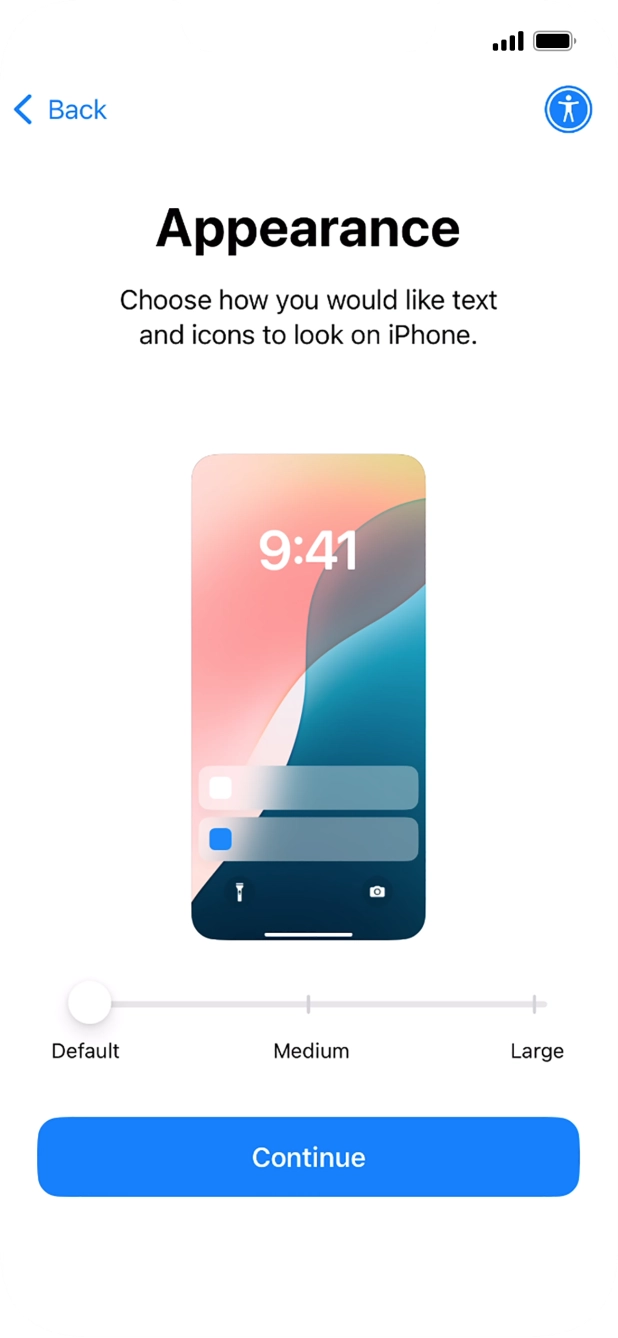
- Select the required text and icon size on your cell phone and press Continue.
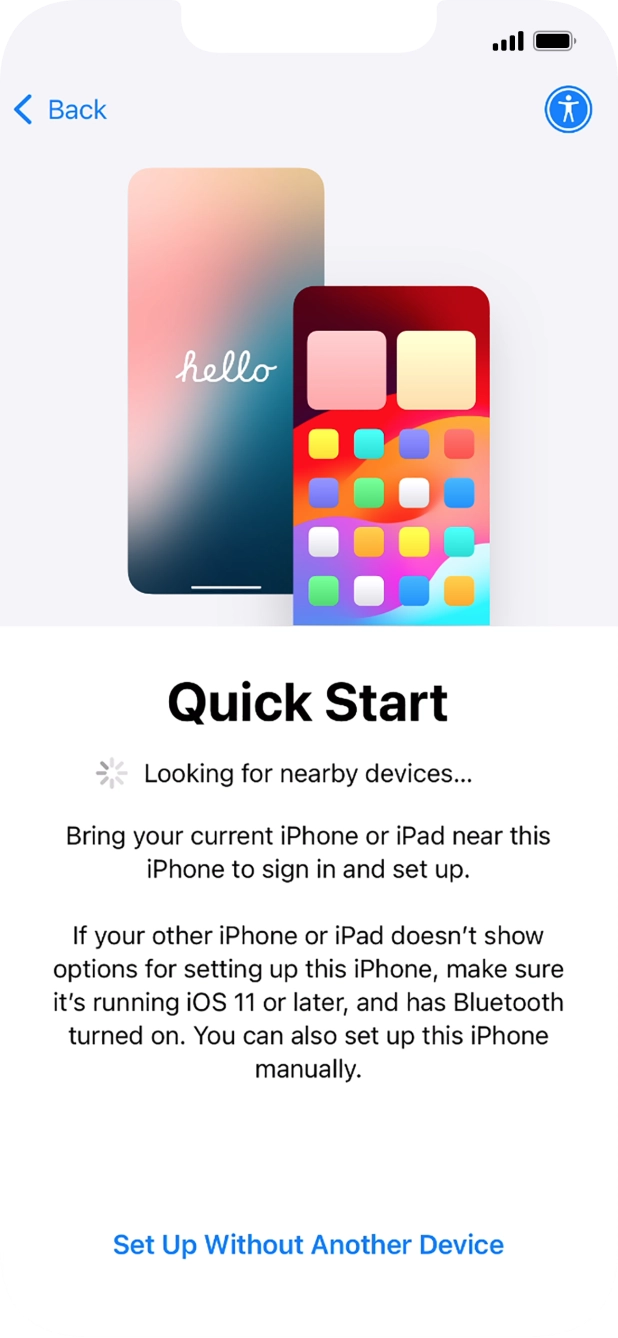
- Follow the instructions on the screen to transfer content from another device running iOS 11 or later or press Set Up Without Another Device.
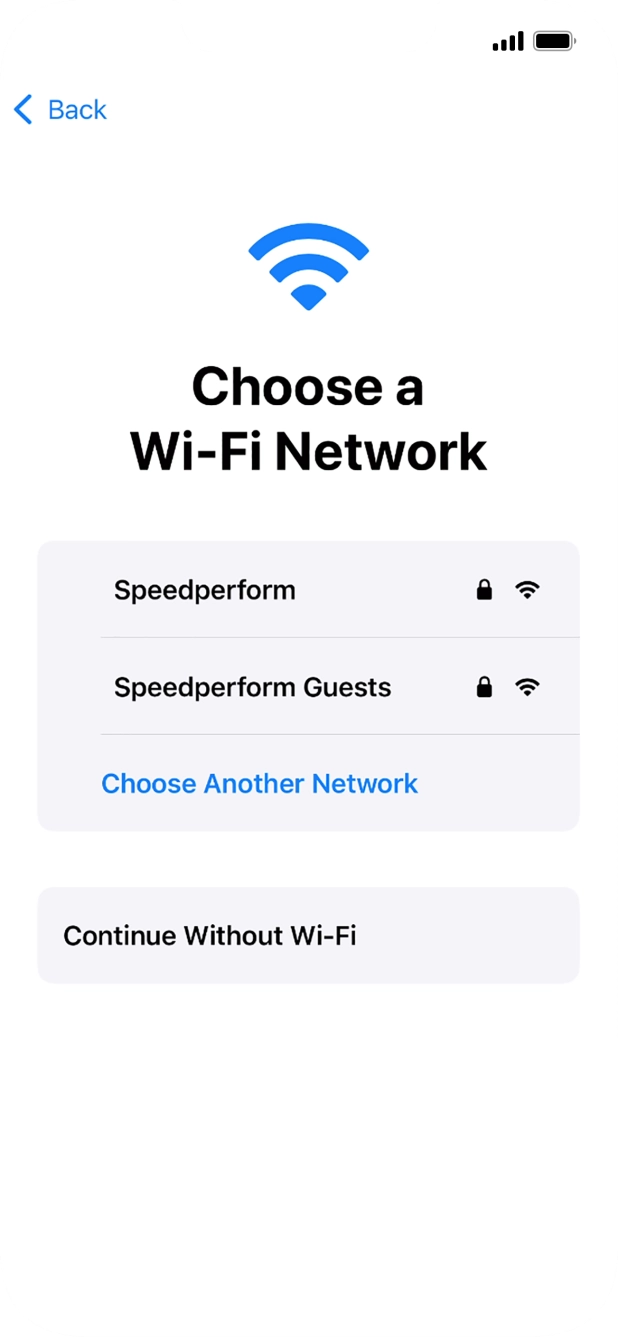
- Press the required Wi-Fi network.
- Key in the password for the Wi-Fi network and press Join.If there are no available Wi-Fi networks, you can use the mobile network instead.
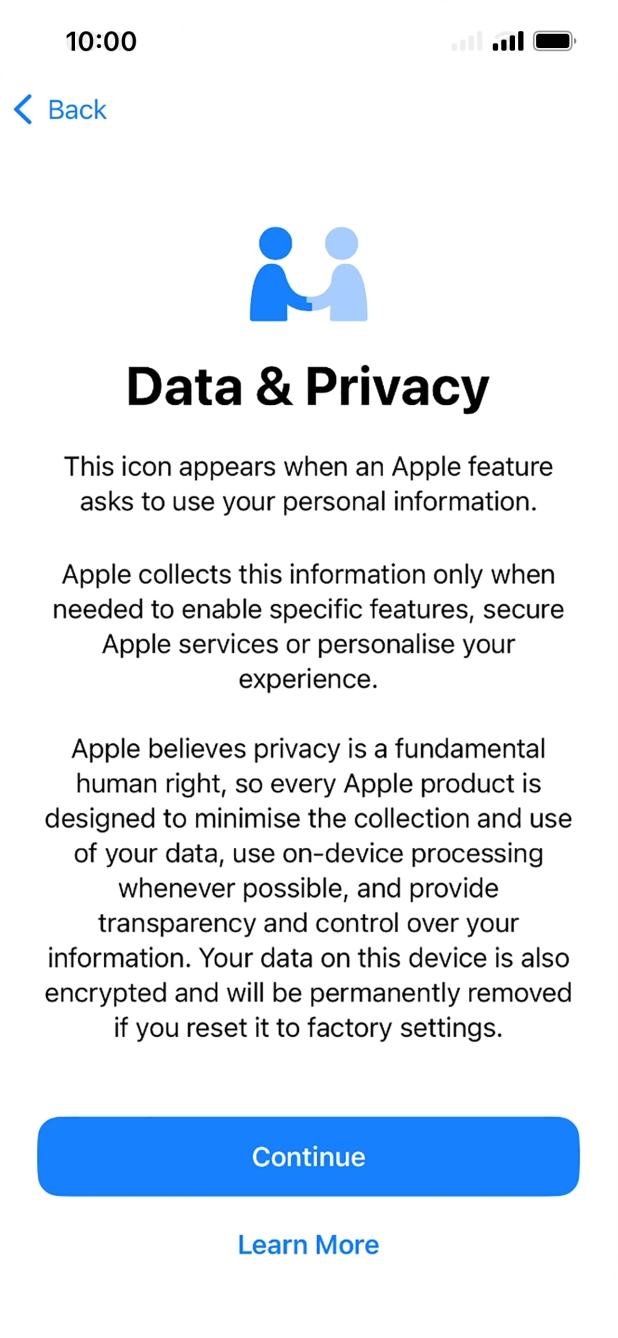
- Press Continue.
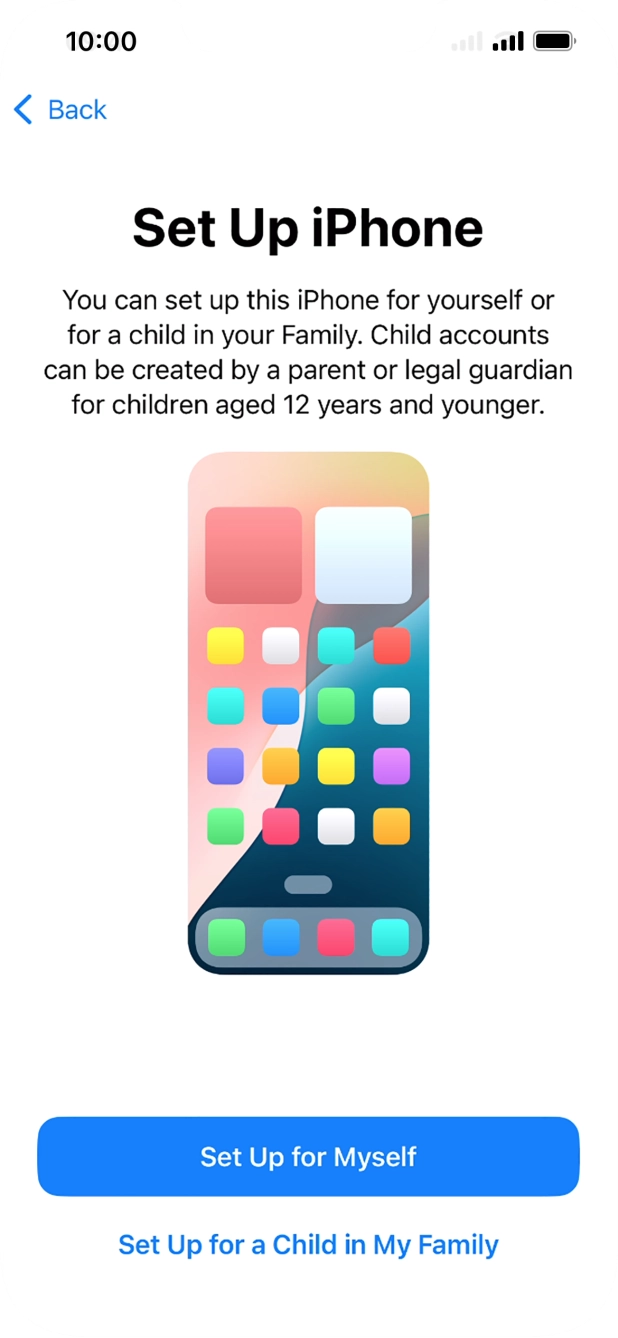
- Press Set Up for Myself.If your cell phone will be used by a child below the age of 13, follow the instructions on the screen to set up an Apple ID for the child.
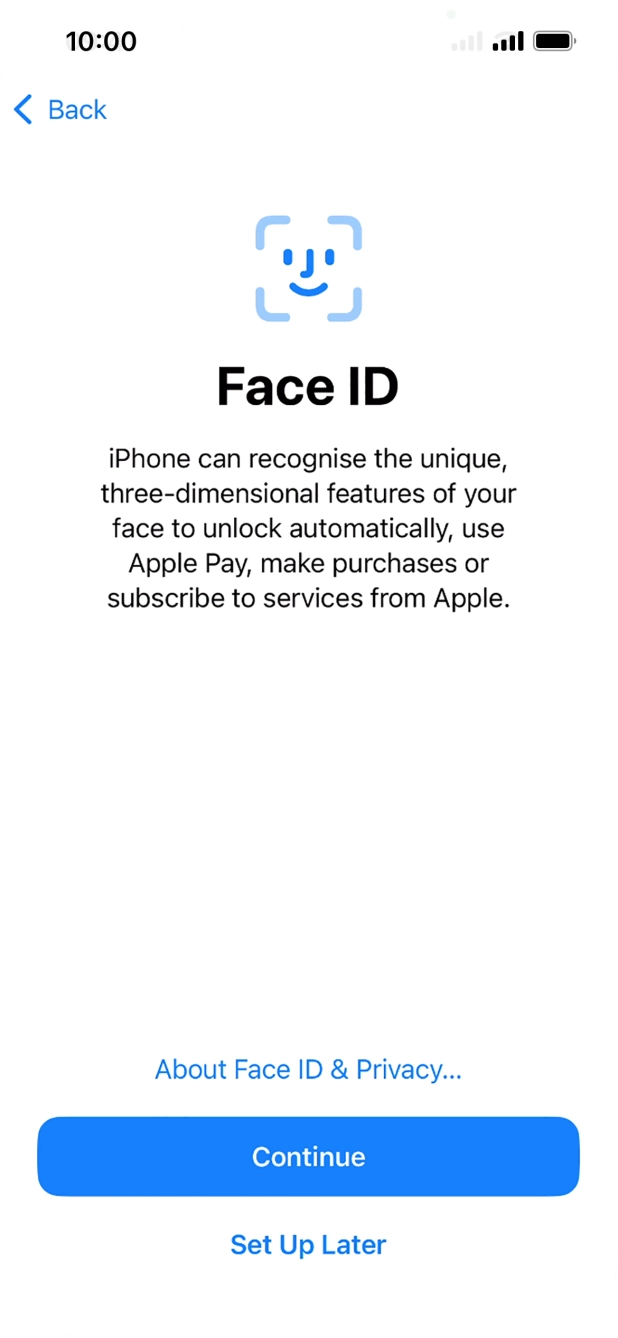
- Follow the instructions on the screen to turn on use of Face ID or press Set Up Later.
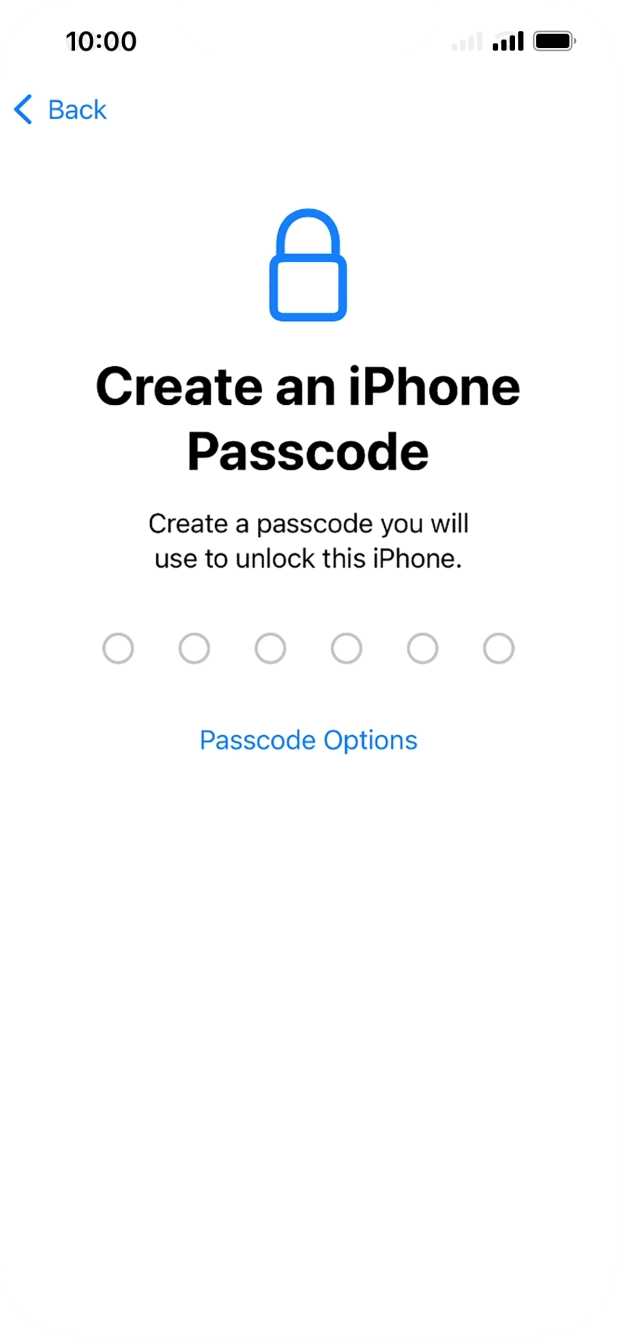
- Press Passcode Options.
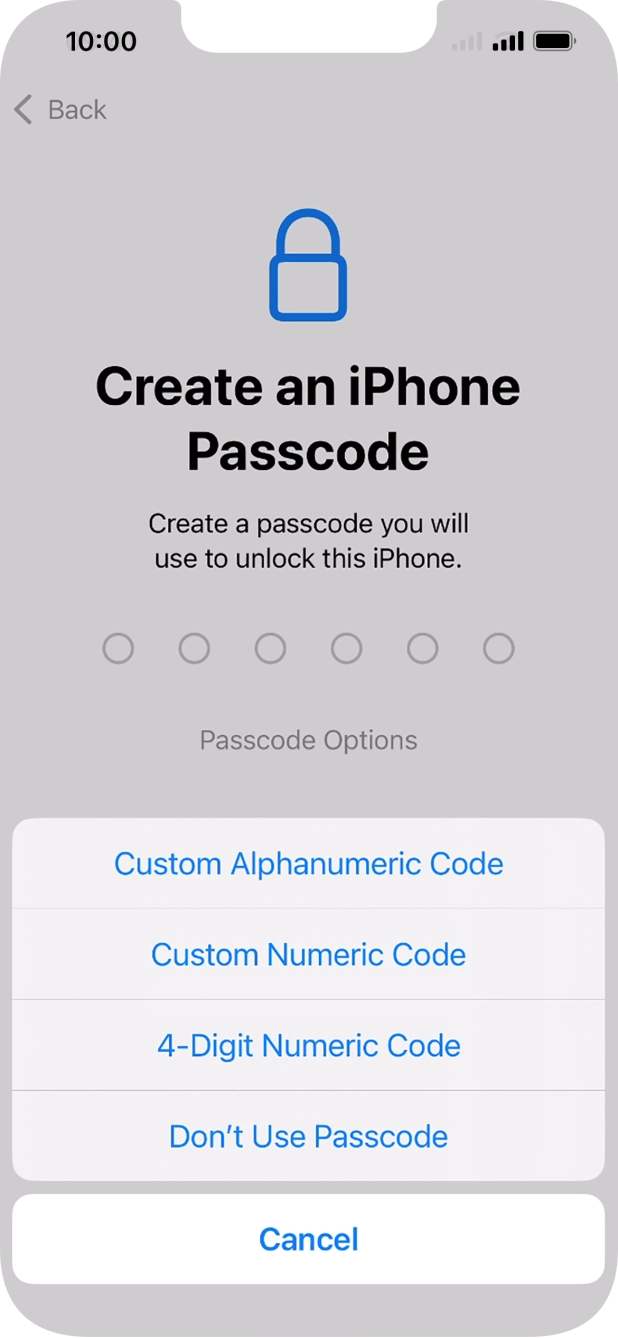
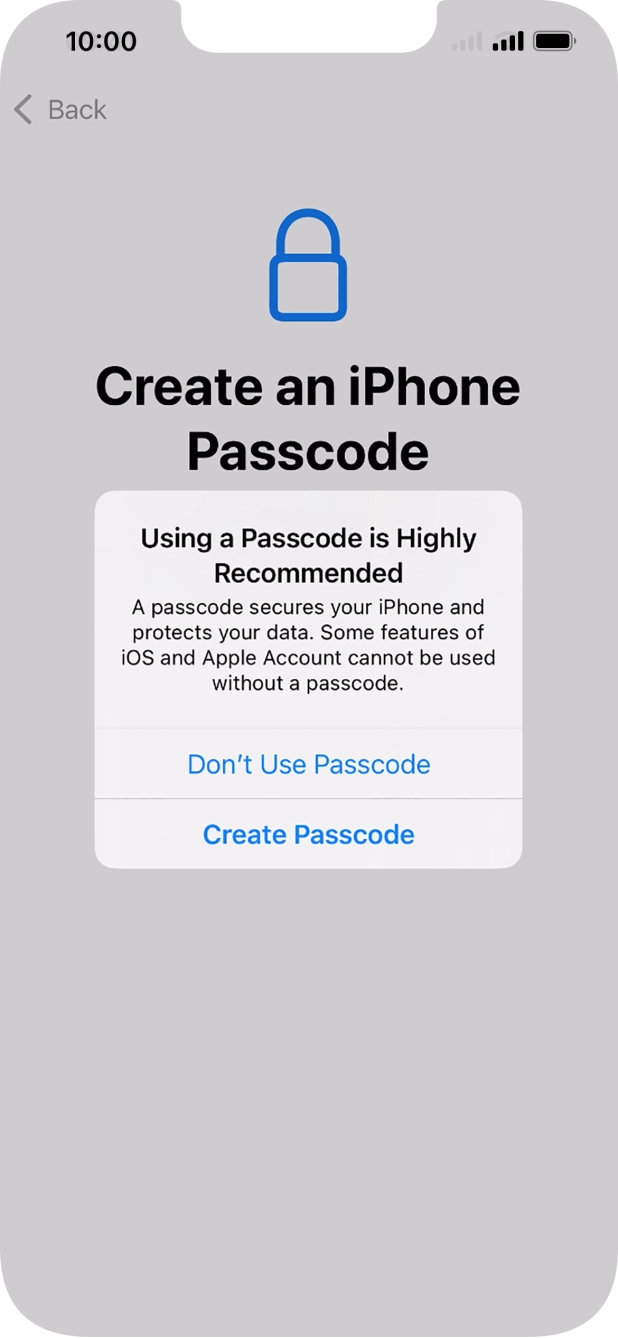
- Follow the instructions on the screen to turn on use of phone lock code or press Don't Use Passcode.
- If you turn off the function, press Don't Use Passcode.See how to turn use of phone lock code on or off later after activation.
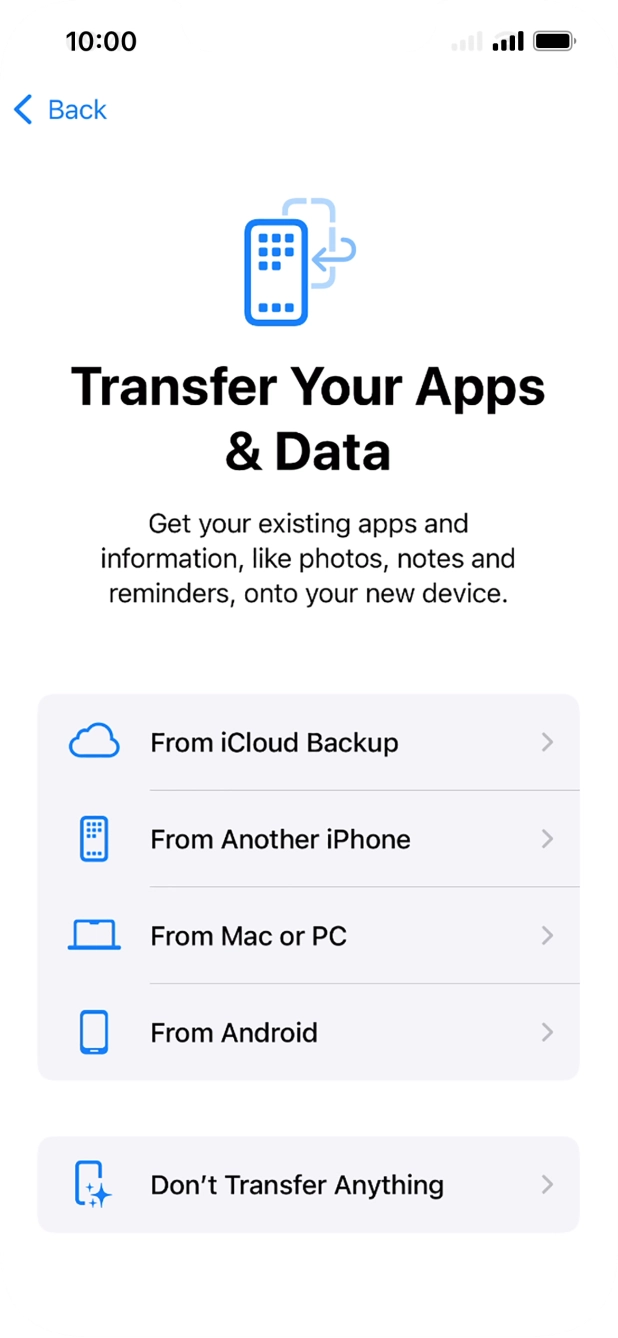
- Press Don't Transfer Anything and follow the instructions on the screen to finish the activation.If you've backed up content previously, you can restore the content of an iCloud backup or restore the content of an iTunes backup. You can also transfer content from an Android cell phone.