
Samsung
Galaxy S23
Android 13
Browse via device topic
Help & support guides for your Samsung Galaxy S23
Guide to cell phone keys and sockets
The list below explains what each key and socket on your cell phone is used for.
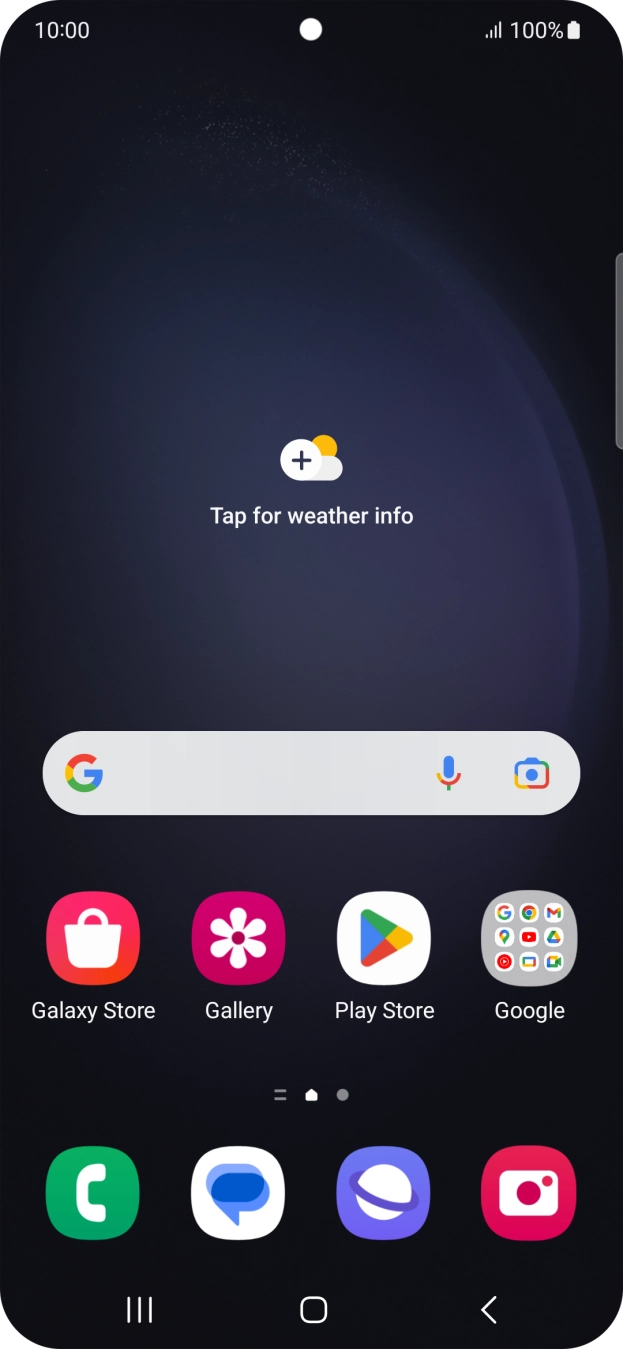
- Press the Side key to turn on your cell phone.
- Press the Side key to turn on the screen lock.
- Press the Side key to open the voice control menu.
- Press the Home key to return to the home screen.
- Press the Return key to return to the previous screen.
- Press the Application key to open a list of the most recently used applications.
- Press the upper or lower part of the Volume key to select ring volume.
- Press the upper or lower part of the Volume key during a call to adjust the volume.
- Press the upper or lower part of the Volume key to silence the incoming call alert.
- Connect the charger or data cable to the socket and to a wall socket or your computer's USB port.
- Connect the headset to the socket to listen to music or make a handsfree call.
- Place your finger on the fingerprint sensor to unlock your cell phone.
- Point the camera lens at the back of your cell phone at the required object to take a picture or record a video clip.
- Point the camera lens at the front of your cell phone at the required object to take a picture or record a video clip.