Samsung
Galaxy S23
Android 13
Browse via device topic
Help & support guides for your Samsung Galaxy S23
List of screen icons
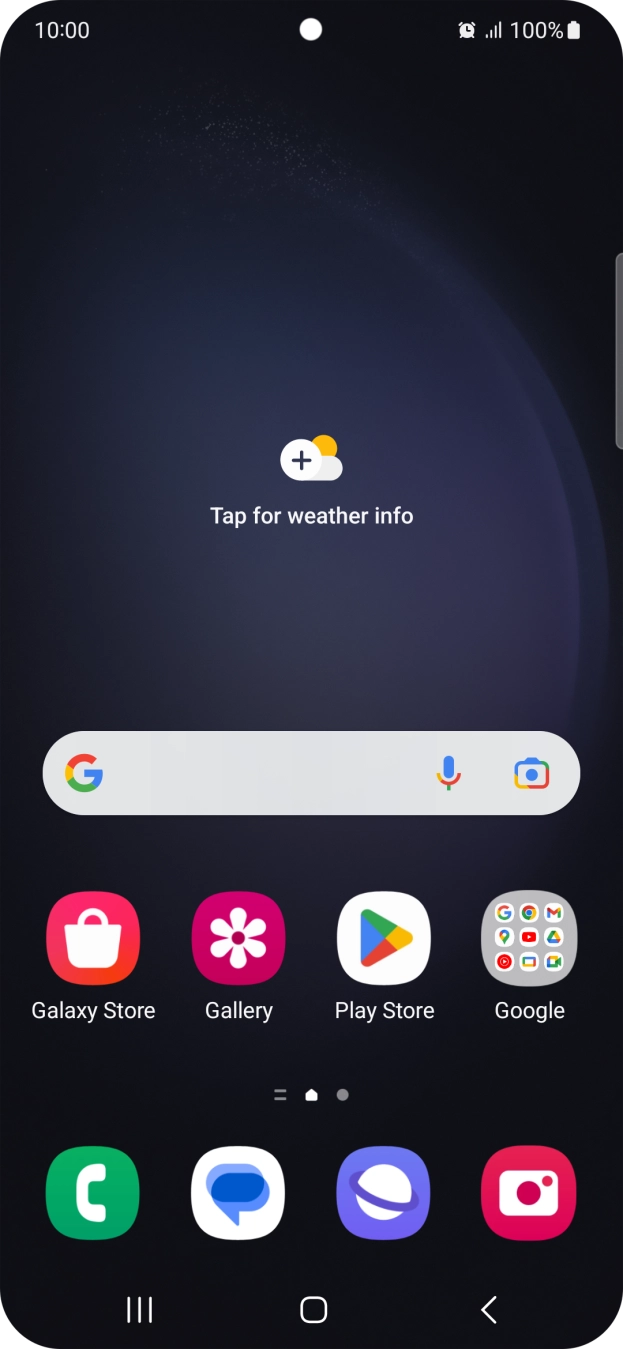
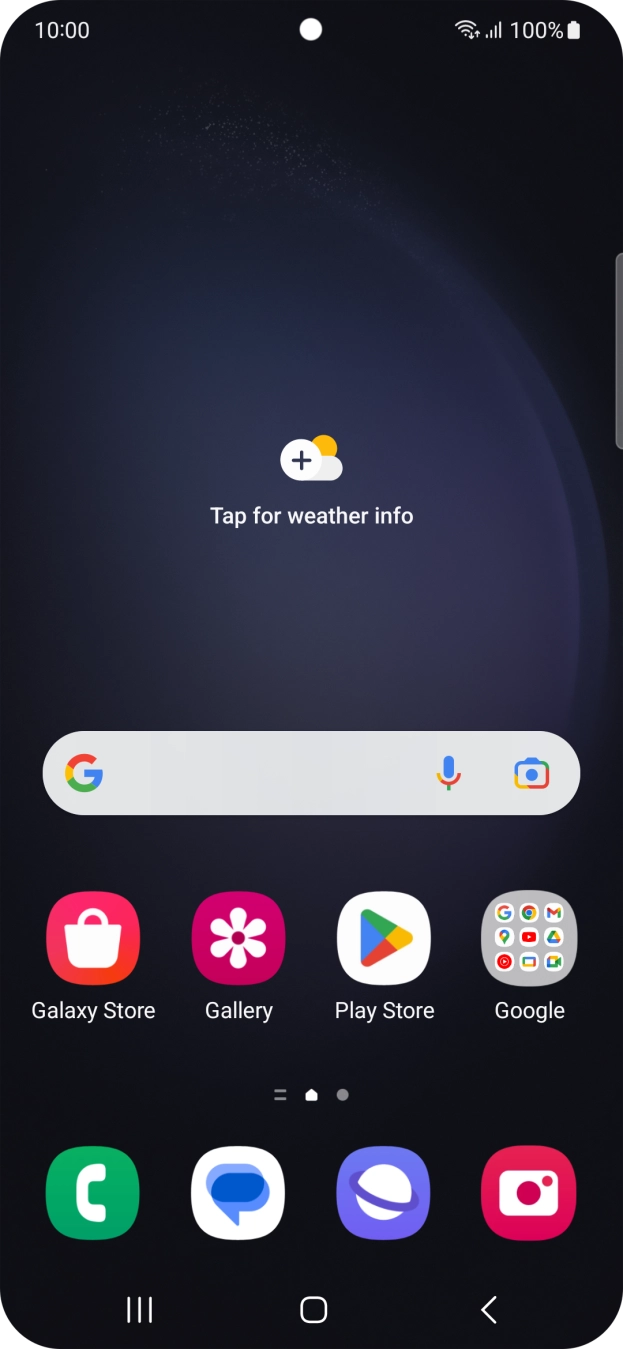
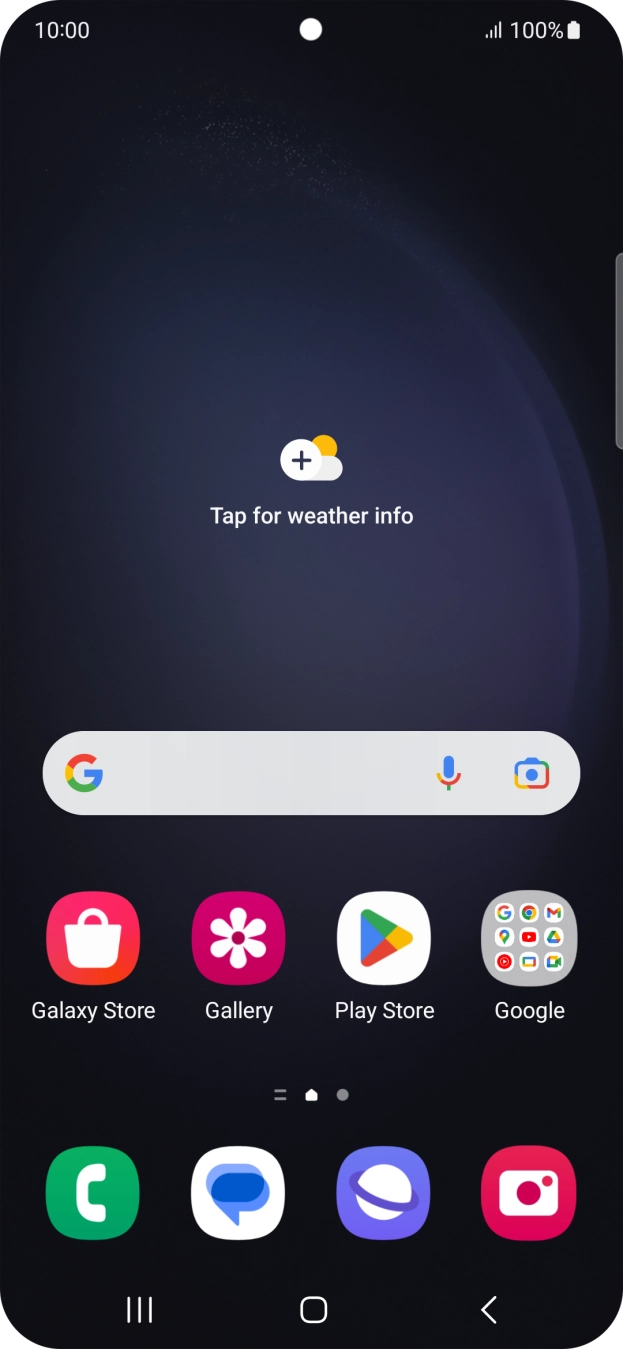
The cell phone screen displays a series of icons that indicate various settings and events.
1. Battery
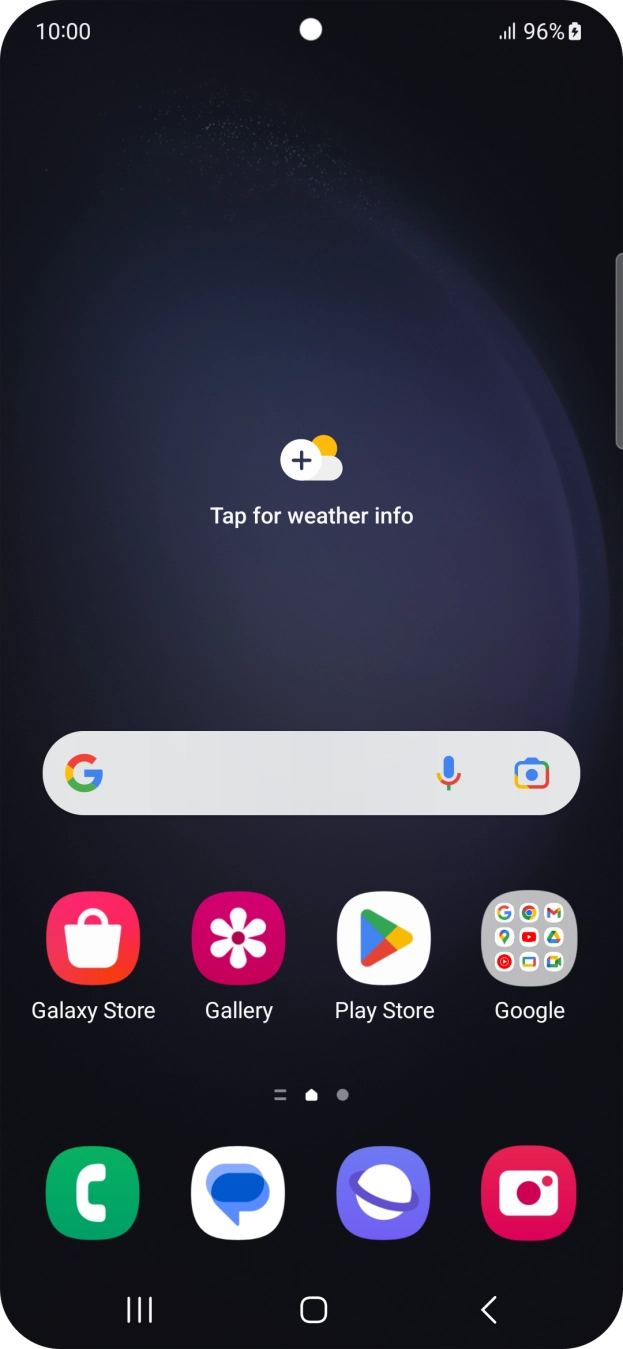
The battery icon shows the remaining battery power. The larger the colored section of the icon, the more remaining battery power.
See how to charge the battery.
- The battery icon shows the remaining battery power. The larger the colored section of the icon, the more remaining battery power.See how to charge the battery.
- The battery charging icon shows that the battery is charging.See how to charge the battery.
- The signal strength icon shows the strength of the network signal at your location. The more lines, the stronger the signal.See how to select a network.
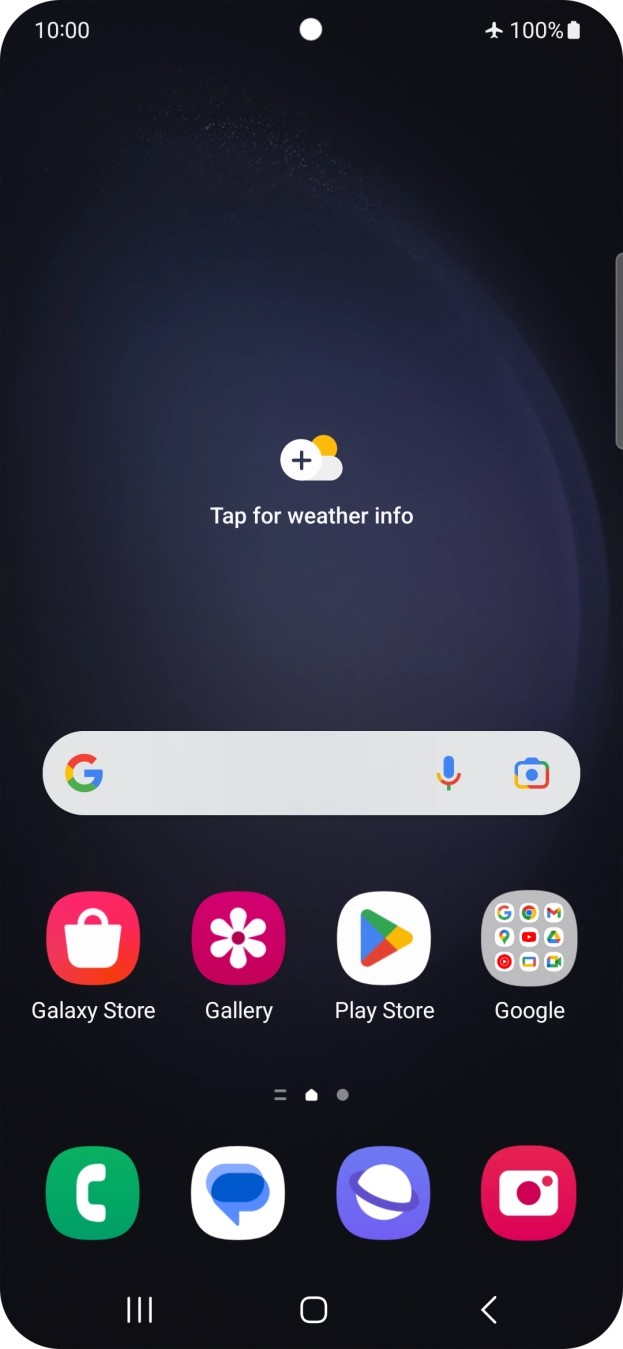
- The flight mode icon shows that flight mode is turned on.See how to turn flight mode on or off.
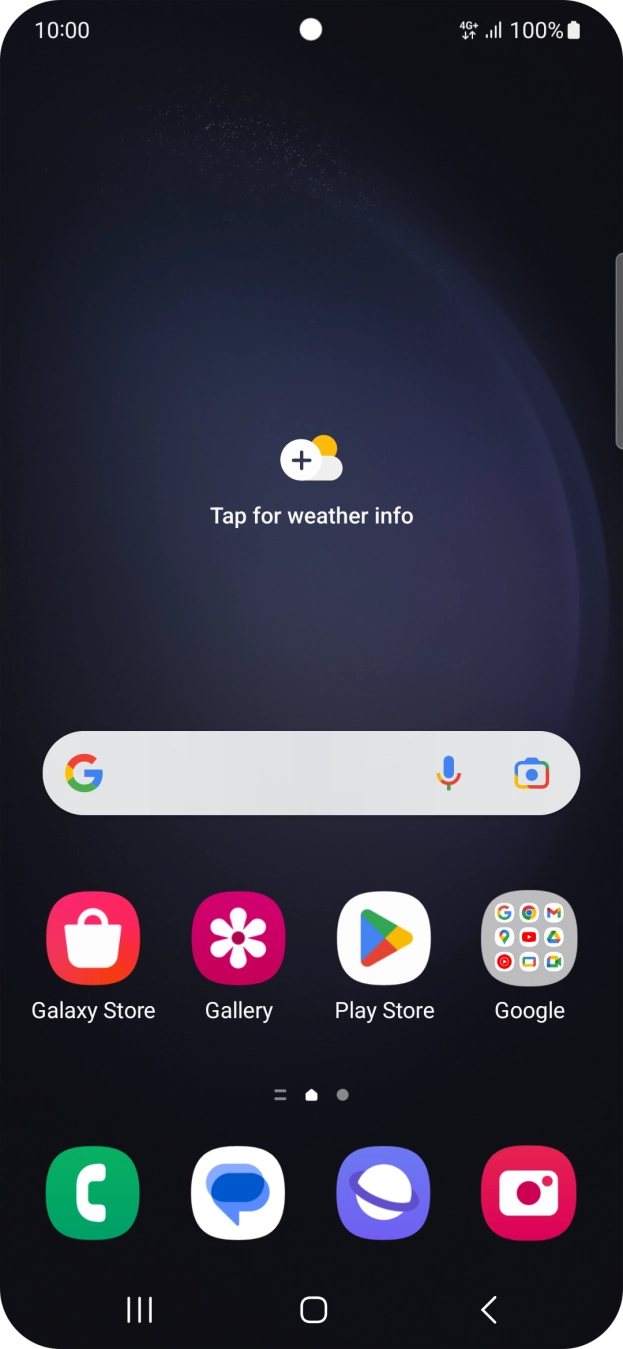
- The network mode icon shows the network mode currently used by your cell phone.See how to select network mode.
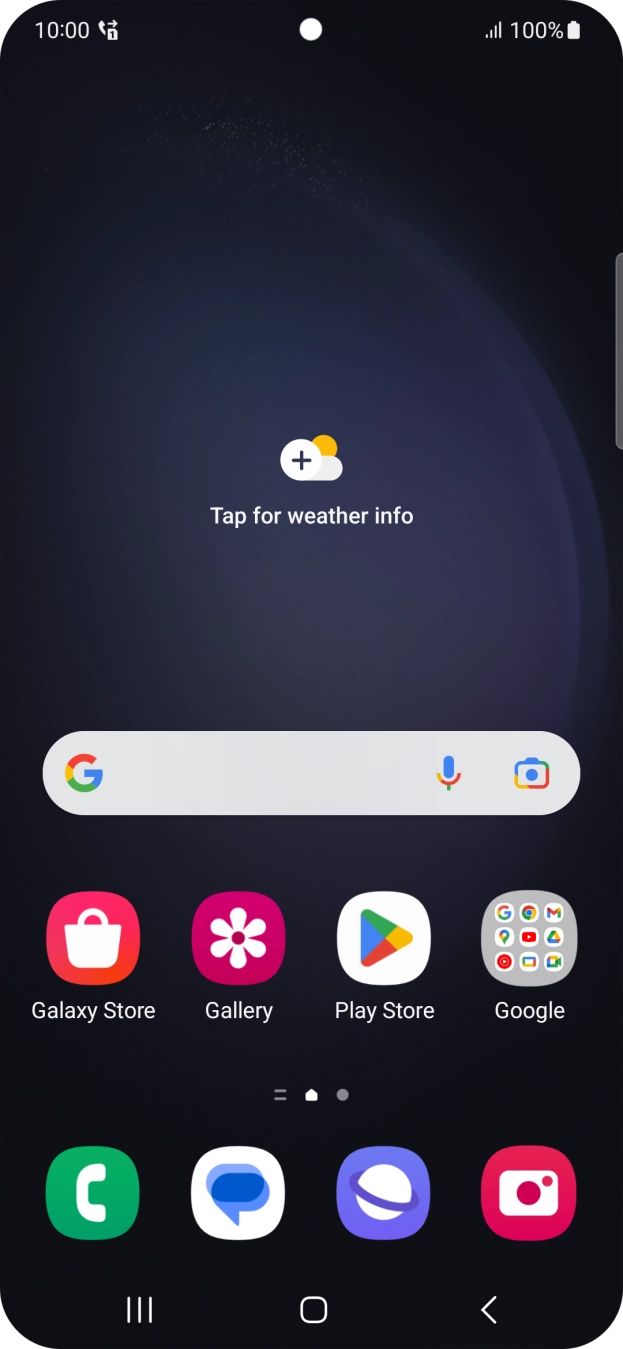
- The divert icon shows that all incoming calls are diverted.See how to divert calls to your voicemail.
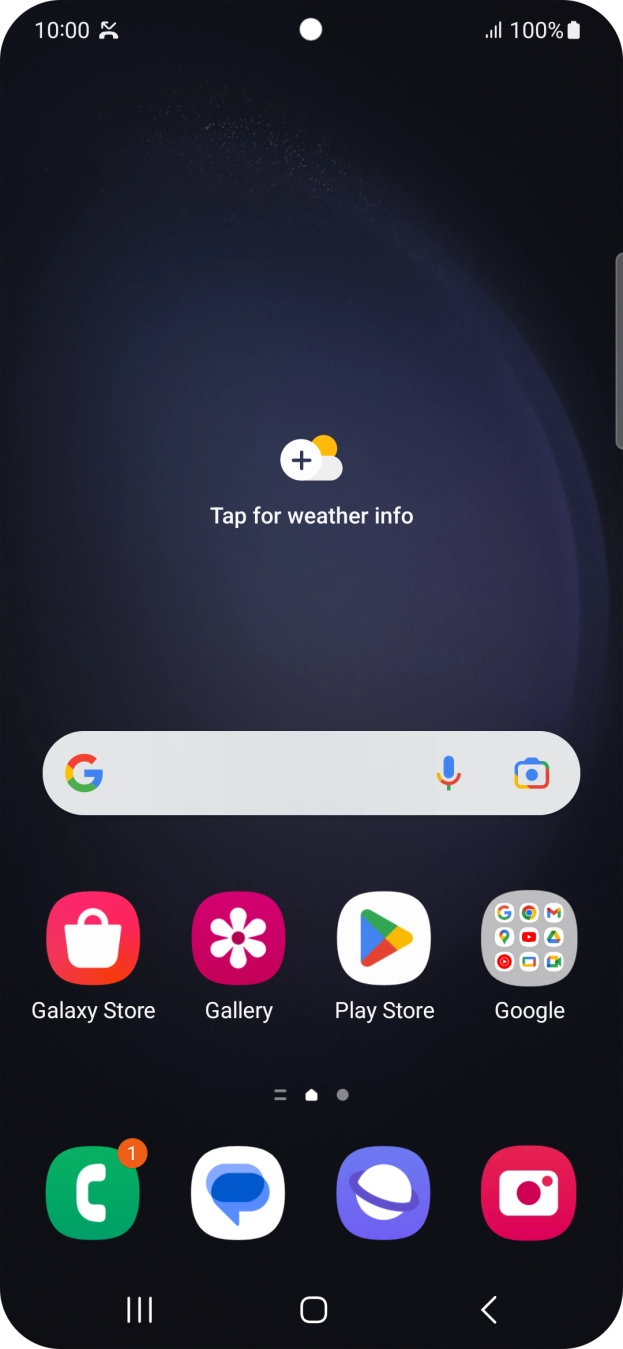
- The missed calls icon shows that you have one or more missed calls.See how to answer a call.
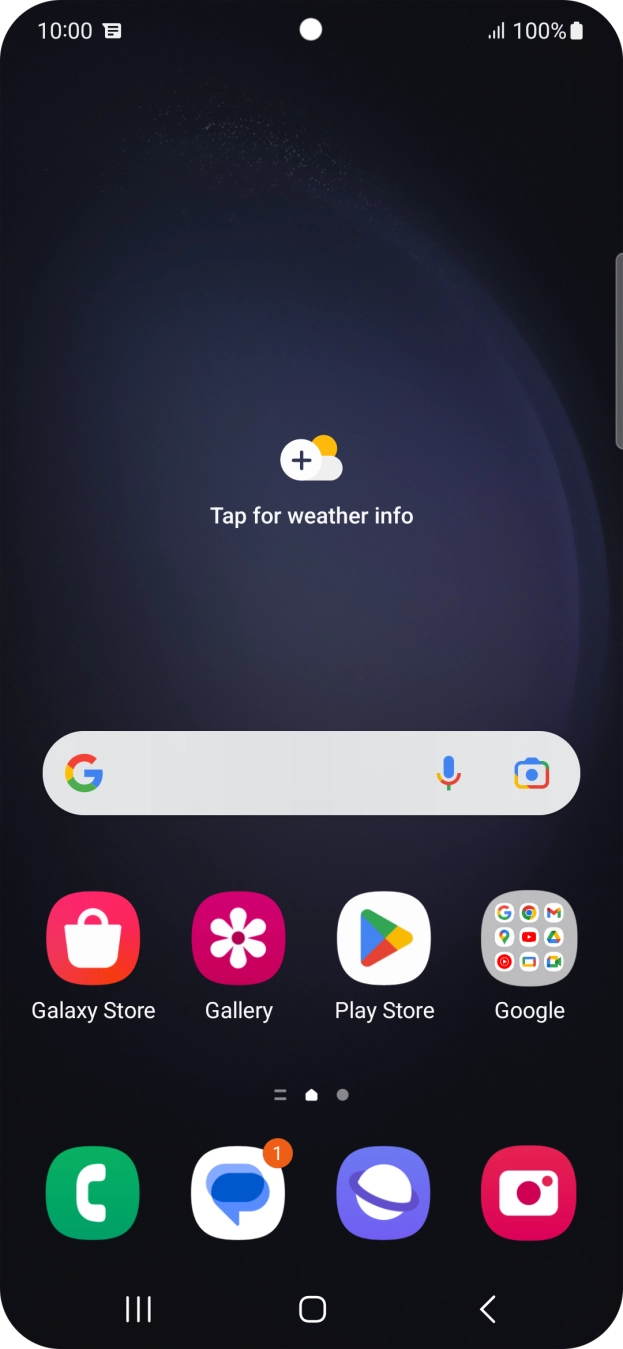
- The text/picture message icon shows that you've received a new text or picture message.
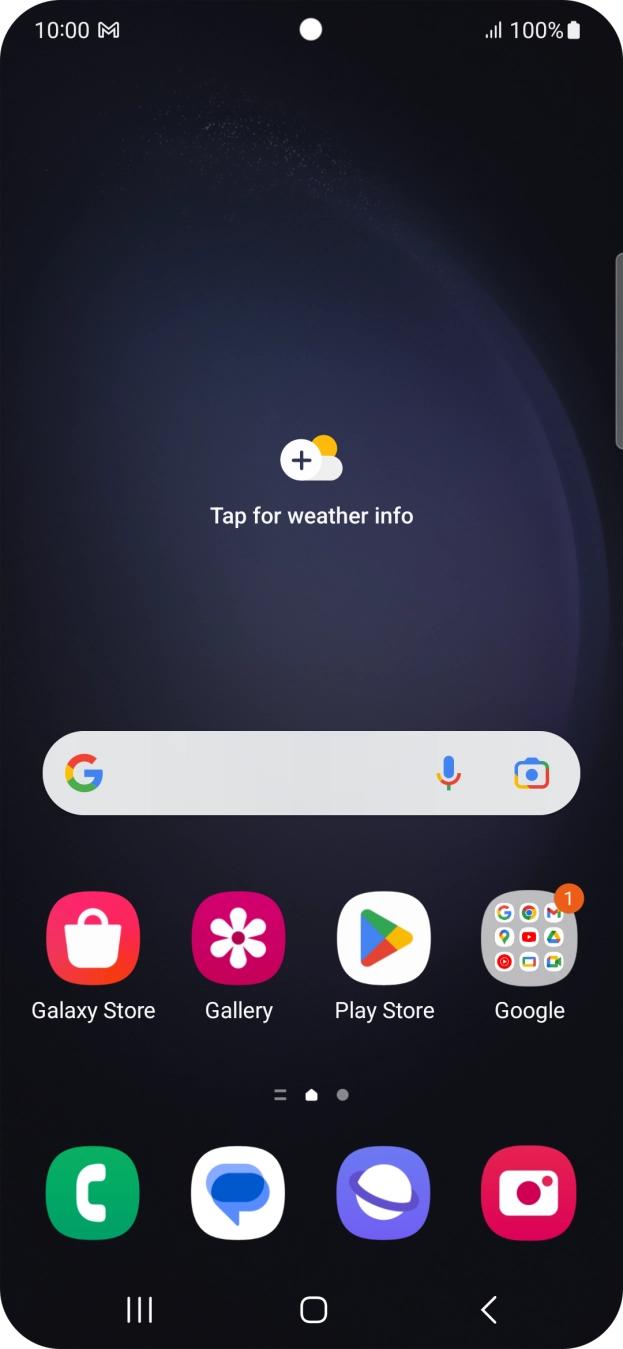
- The email icon shows that you've received a new email.
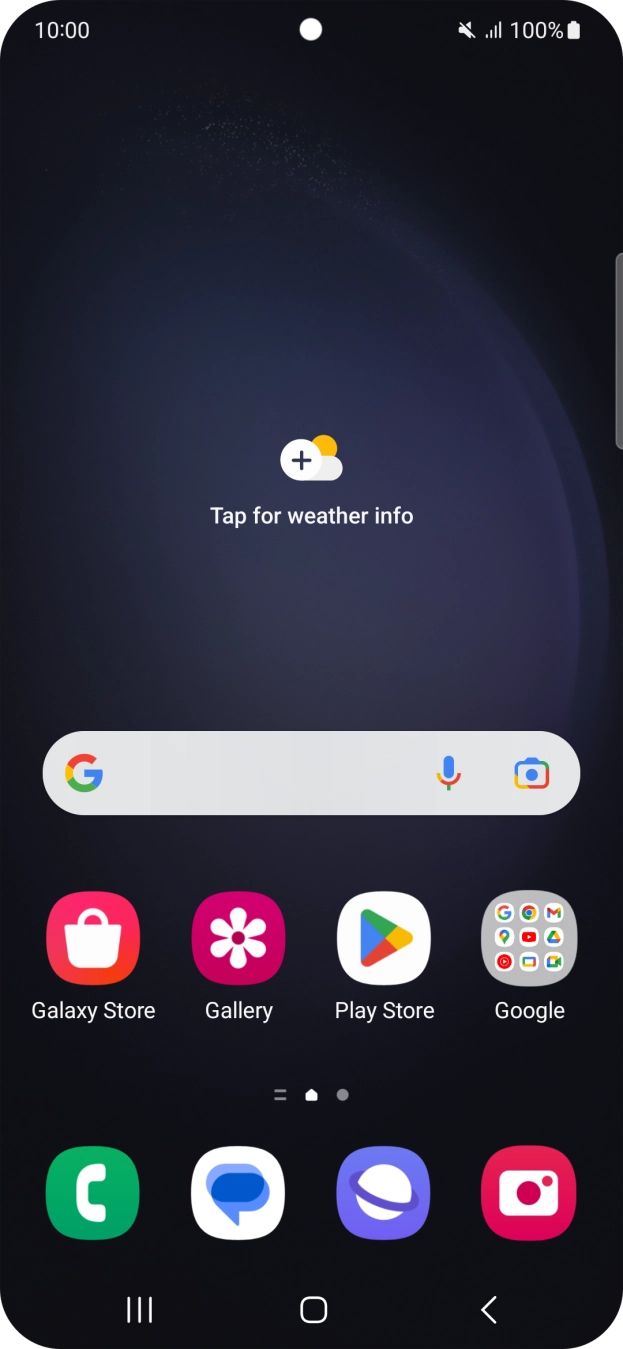
- The silent mode icon shows that silent mode is turned on and all phone sounds are turned off.See how to turn silent mode on or off.
- The alarm icon shows that the alarm is set.
- The active data connection icon shows that a data connection is active.See how to turn mobile data on or off.
- The Wi-Fi icon shows that your cell phone is connected to a Wi-Fi network.See how to turn Wi-Fi on or off.